For work
Profile photos for work, made from your own photos.
Upload 4–8 photos of yourself and describe the work photo you want in plain words. Then refine it until it's right. You approve every photo you keep. Every photo is AI-generated, and we say so.
$59 per session · no subscription · 14-day refund
What makes a good work photo?
A clear face.
Face the camera, keep your eyes visible and leave nothing in front of your face. At thumbnail size, your face is the whole photo.
A simple background.
A plain wall, a window or a quiet office. If people notice the background first, it's too busy.
Dress for your field.
Wear what you'd wear on a normal working day. A suit for a law firm, a sweater for a design studio. Match the people you work with, not a stock photo.
One photo everywhere.
Use the same photo on LinkedIn, your team page, your email and Slack. People learn to recognise you from it.
It looks like you in person.
Someone who meets you on a video call or in the lobby should recognise you straight away. Keep only the photos that pass that test.
Photo in. AI-generated photo out.
How does FreshFrame make a work photo from my photos?
Upload 4–8 photos of yourself and describe the work photo you want in plain words.
What was asked for:
“By a window in a bright office, navy jacket, soft daylight, looking at the camera.”
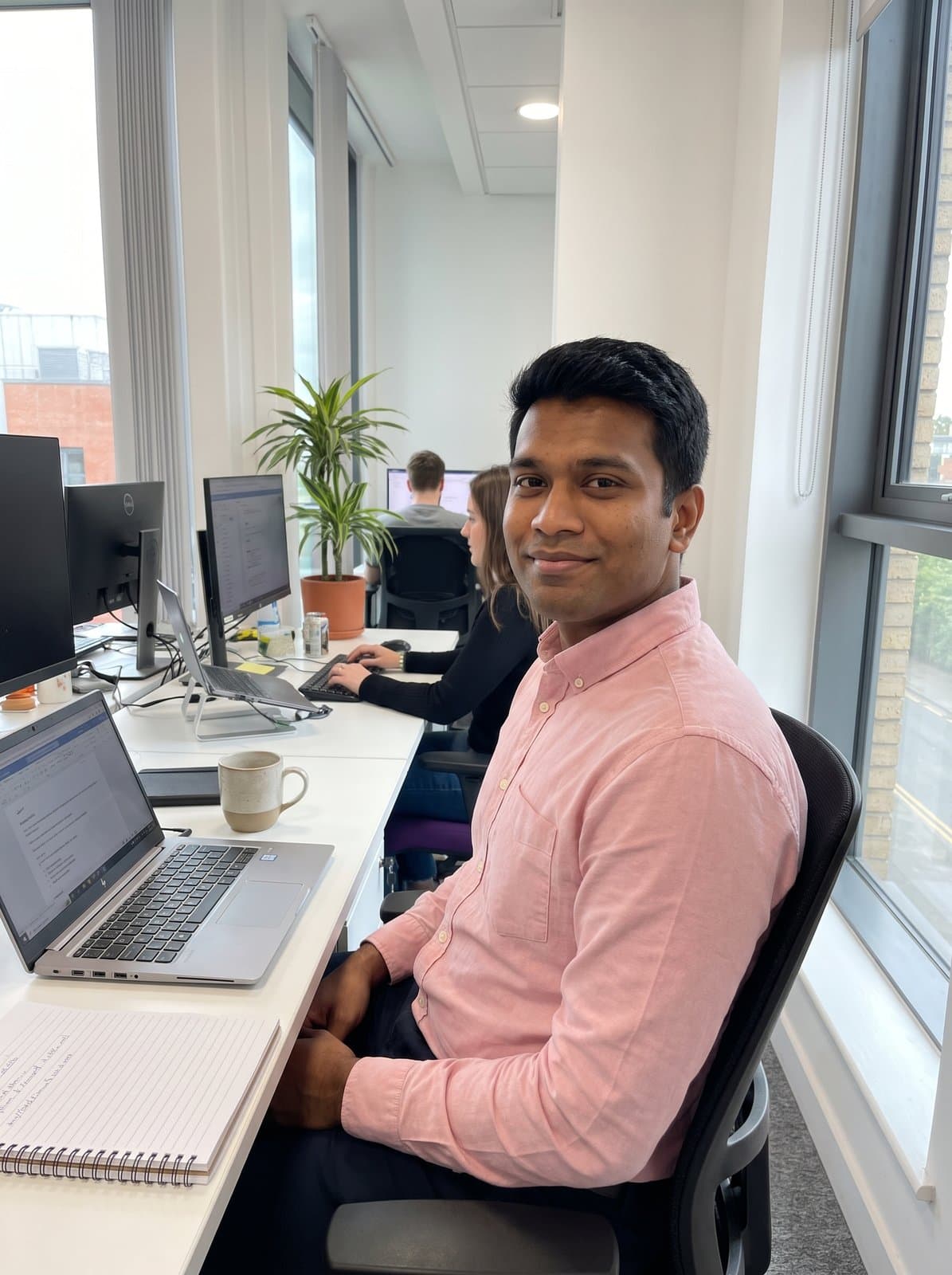
This person is invented, not a customer, and both photos are AI-generated. It's one example; results vary. Your session starts from your own photos.

Where work photos go
Where can I use an AI-generated work photo?
- LinkedIn.
- The profile photo appears beside every post, comment and message. It's usually the first thing a recruiter or client sees.
- Your team page.
- Next to your colleagues' photos, a matching background and framing makes the page look organised.
- Email signature.
- It's small and round, so a photo where your face fills the frame works best here.
- Slack and work chat.
- Your photo sits beside every message, so colleagues who've never met you know who's writing.
Questions about AI-generated work photos
- Can I use an AI-generated photo on LinkedIn?
- Check LinkedIn's current rules on profile photos before you upload. We can't speak for LinkedIn, and its rules can change. The same goes for any other platform you use.
- Can I get a casual look or a studio look?
- Either one. Describe it in plain words, for example "plain grey backdrop, white shirt, studio light" or "coffee shop table, open collar, daylight." Then ask for changes until it's right.
- What does a session include?
- $59 per session, paid once, with no subscription. You upload 4–8 of your own photos, describe the photos you want, get up to 60 rounds of changes, and keep up to 10 at full resolution. You approve every photo you keep. Upload only photos of yourself, and only if you're 18 or older. Before you upload, you'll agree to how we use your photos. We delete them 30 days after your most recent purchase.
- Are the photos AI-generated?
- Yes, every one. They're made from your own photos with Google's Gemini image model. Google adds an invisible SynthID watermark to the images its model makes.
- Can I get a refund?
- Yes. Email us within 14 days of purchase for a full refund. No reason needed. See the Refunds page.
Not sure which photos to upload? Read the photo upload guide. Not sure what to write? Read how to describe your photo.
Make your work photo
Upload your photos, describe the photo you want, and keep the ones you approve.