For social
Profile pictures for social, made from your own photos.
Upload 4–8 photos of yourself and describe the profile picture you want in plain words. Then refine it until it's right. You approve every photo you keep. Every photo is AI-generated, and we say so.
$59 per session · no subscription · 14-day refund
What makes a good profile picture?
It works as a small circle.
Most apps crop your photo to a circle and show it at thumbnail size. Keep your face in the centre, with some space around your head.
Your face, not the view.
Head and shoulders is enough. If people have to look for you in the photo, it's too wide.
Good light on your face.
Daylight from the side or in front of you. Avoid strong light from behind.
Look like yourself on a good day.
Wear what you'd actually wear and use a setting that fits you. Friends should recognise you straight away.
Keep it current.
Change it when your hair or style changes, so people who meet you can match you to it.
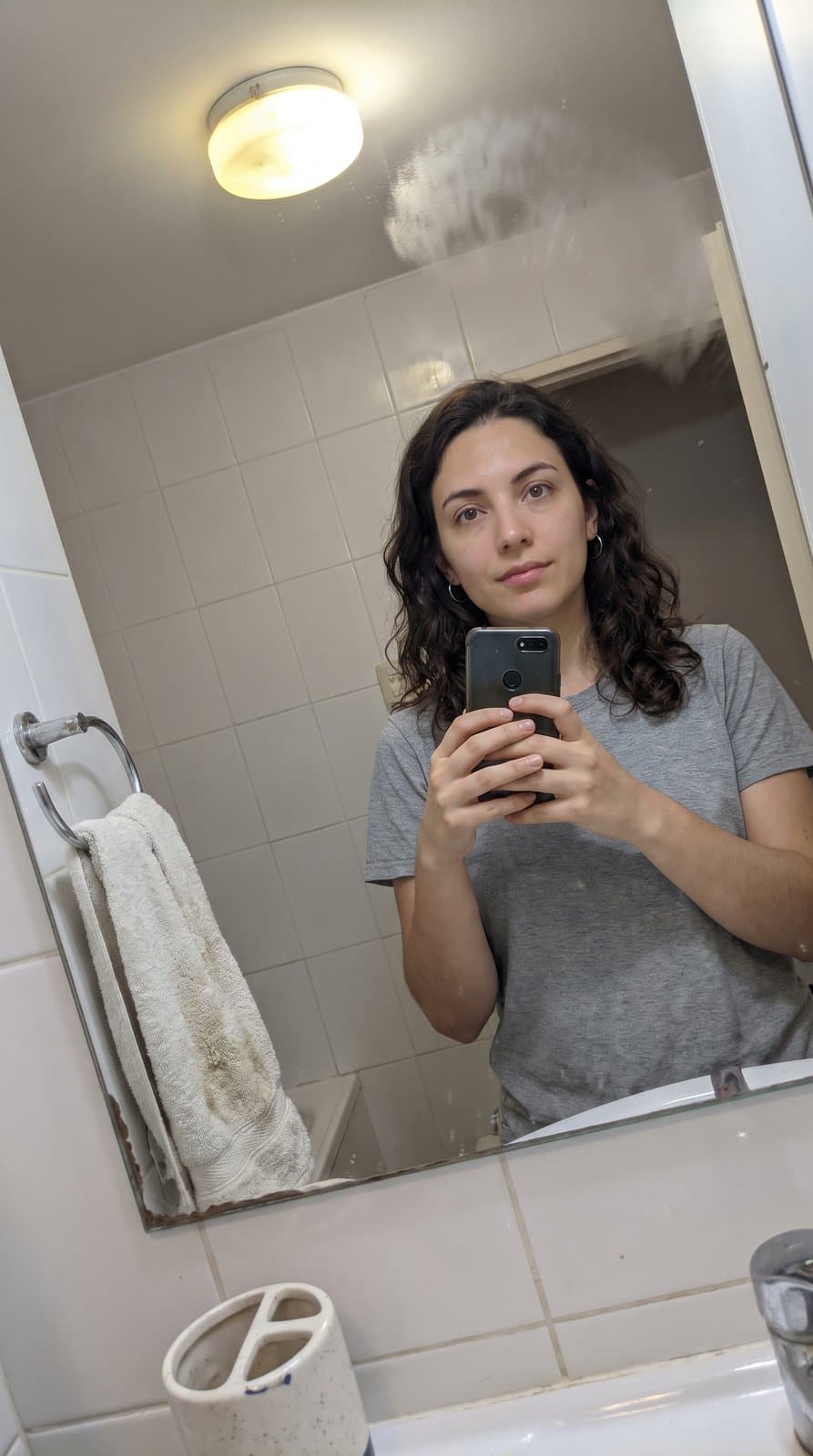
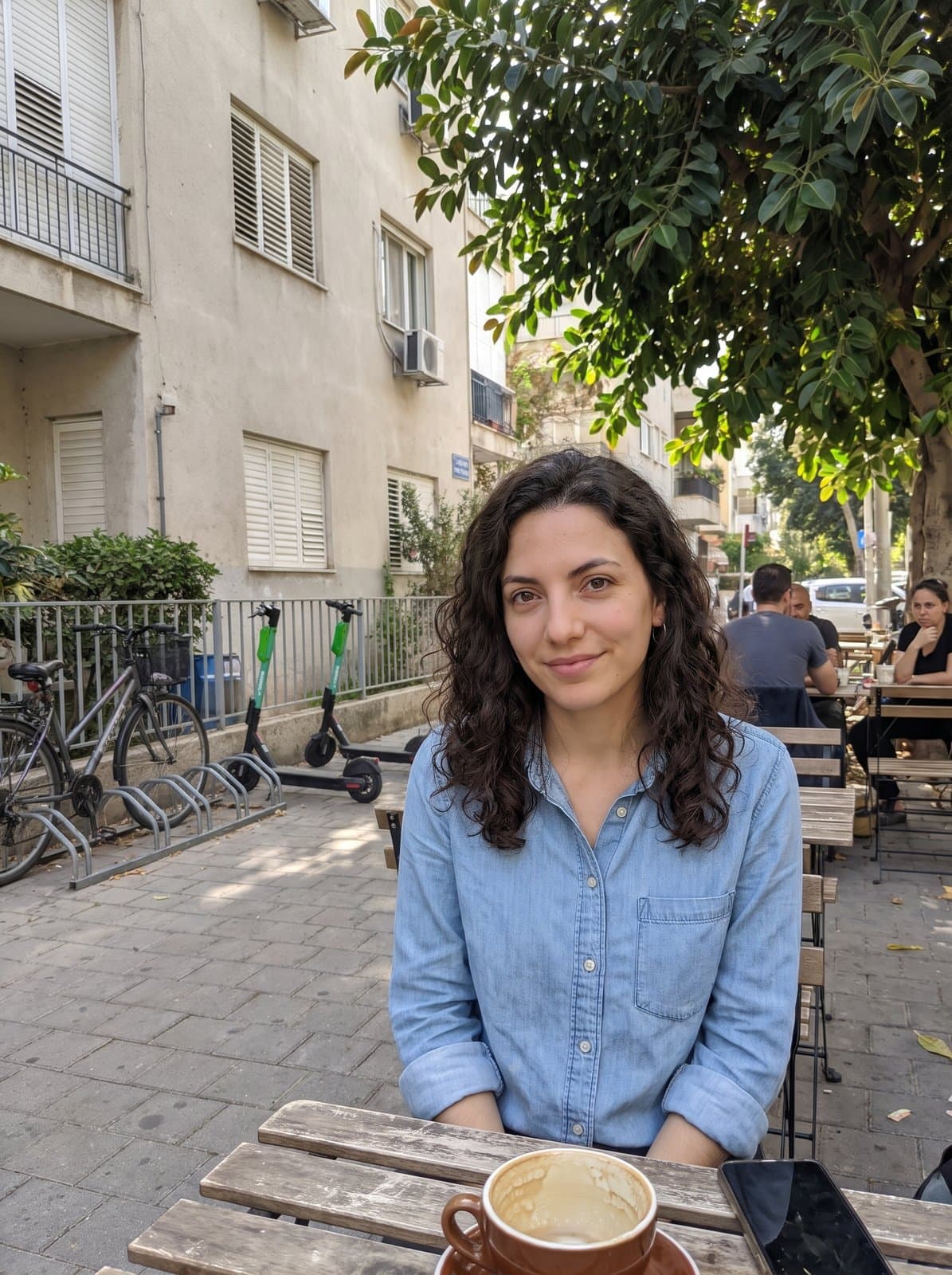
Photo in. AI-generated photo out.
How does FreshFrame make a profile picture from my photos?
Upload 4–8 photos of yourself and describe the profile picture you want in plain words.
What was asked for:
“Sitting at a café terrace, white t-shirt, late-afternoon light, smiling at the camera.”
This person is invented, not a customer, and both photos are AI-generated. It's one example; results vary. Your session starts from your own photos.
Where profile pictures go
Where can I use an AI-generated profile picture?
- Instagram.
- It sits beside every post, story and comment. A clear face reads well at that small size.
- WhatsApp.
- Contacts see it in their chat list and in every group you're in. A simple background works best here.
- X.
- Shown as a circle next to every post and reply. A photo that's mostly your face reads best.
- Facebook.
- Friends and family see it beside your comments and messages. Pick one they'll recognise straight away.
Questions about AI-generated profile pictures
- Can I use an AI-generated photo on Instagram, WhatsApp, X or Facebook?
- Check each platform's current rules on profile photos and AI-generated images before you upload. We can't speak for these platforms, and their rules can change.
- Can I get a different look for each app?
- Yes. Describe each one in plain words, for example "rooftop at sunset, denim jacket" or "plain light wall, black sweater, soft light." Then ask for changes until it's right.
- What does a session include?
- $59 per session, paid once, with no subscription. You upload 4–8 of your own photos, describe the photos you want, get up to 60 rounds of changes, and keep up to 10 at full resolution. You approve every photo you keep. Upload only photos of yourself, and only if you're 18 or older. Before you upload, you'll agree to how we use your photos. We delete them 30 days after your most recent purchase.
- Are the photos AI-generated?
- Yes, every one. They're made from your own photos with Google's Gemini image model. Google adds an invisible SynthID watermark to the images its model makes.
- Can I get a refund?
- Yes. Email us within 14 days of purchase for a full refund. No reason needed. See the Refunds page.
Not sure which photos to upload? Read the photo upload guide. Not sure what to write? Read how to describe your photo.
Other uses
FreshFrame isn't affiliated with Instagram, WhatsApp, X or Facebook.
Make your profile picture
Upload your photos, describe the photo you want, and keep the ones you approve.