For dating
Dating profile photos, made from your own photos.
Upload 4–8 photos of yourself and describe the dating profile photo you want in plain words. Then refine it until it's right. You approve every photo you keep. Every photo is AI-generated, and we say so.
These photos show a scene the AI made. They don't show a moment that happened.
$59 per session · no subscription · 14-day refund
What makes a good dating profile photo?
Your face, clearly.
Face the camera and keep your eyes visible, with nothing covering your face. The first photo is often seen small, so let your face fill most of the frame.
A few different scenes.
One photo outdoors in daylight, one indoors, one doing something you enjoy. Different settings say more than several versions of the same photo.
Wear what you'd wear on a date.
Your own style in a setting that fits you, so the person you meet finds what the photos showed.
Keep recent, unedited photos on your profile too.
Put AI-generated photos next to recent photos of yourself that haven't been edited, not in place of them.
Say it's AI-generated.
If a match could take a photo as a record of a real moment, tell them it's AI-generated.
Photo in. AI-generated photo out.
How does FreshFrame make a dating profile photo from my photos?
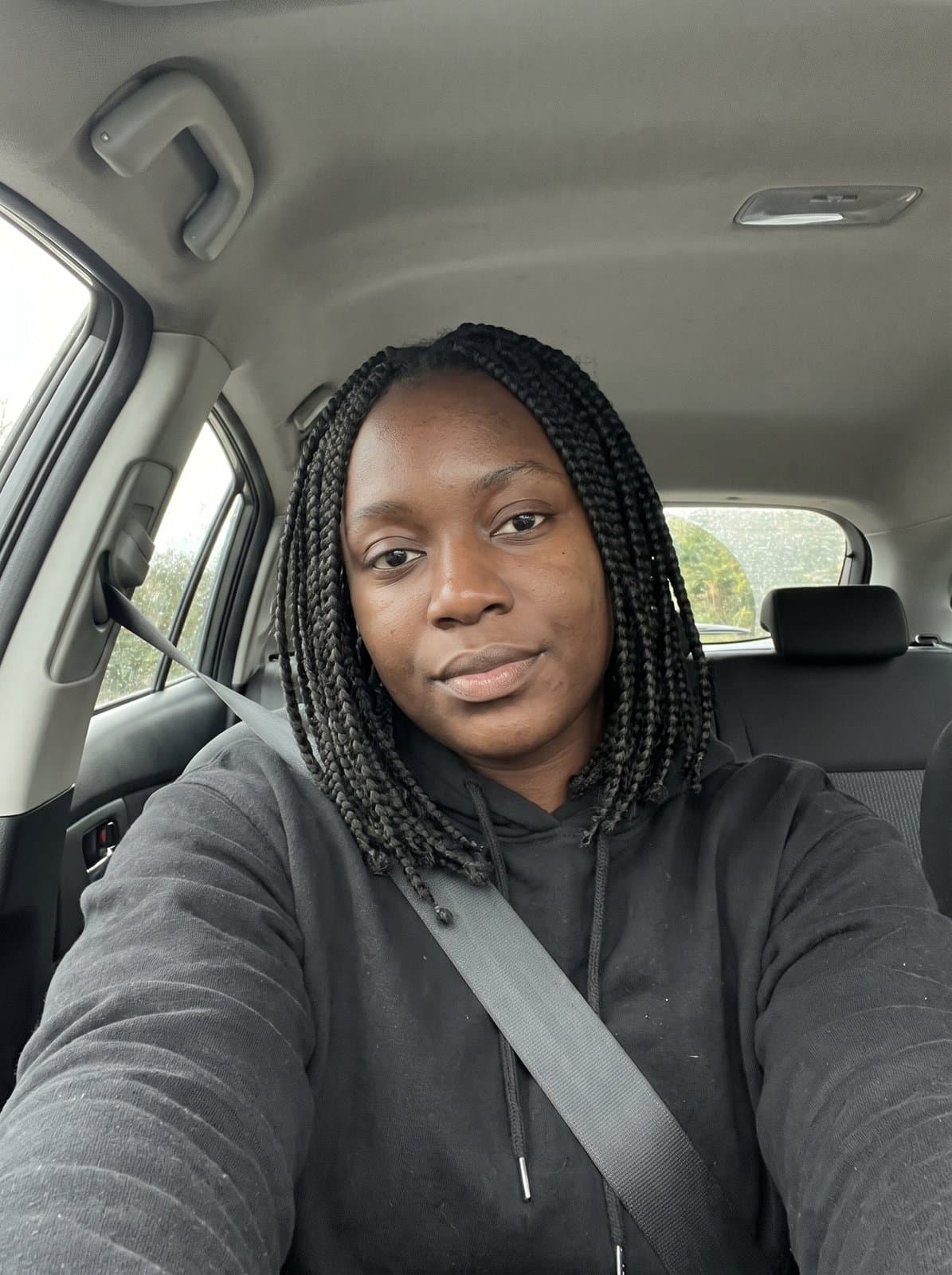
Upload 4–8 photos of yourself and describe the dating profile photo you want in plain words.
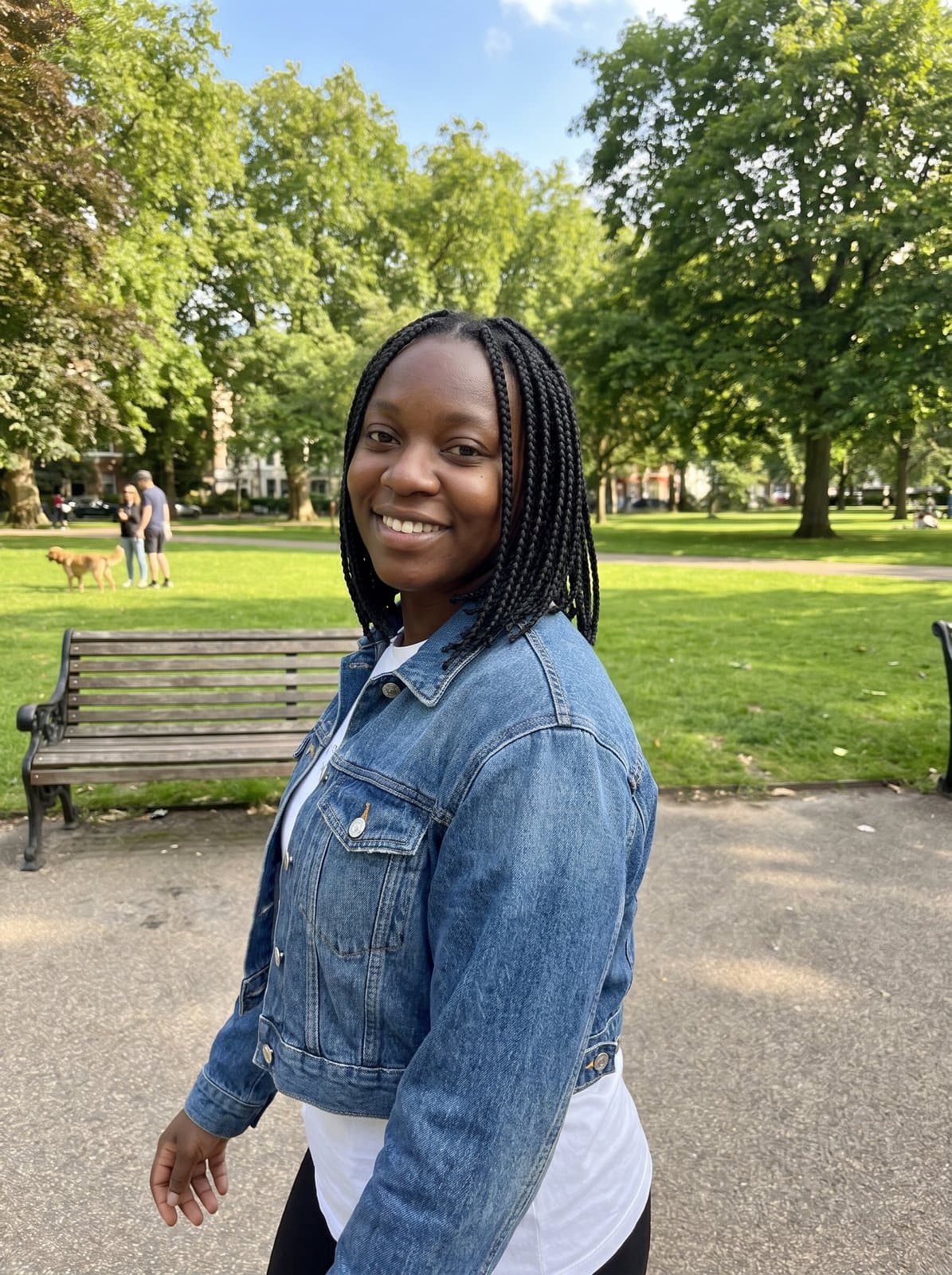
What was asked for:
“Sitting on a park bench in the afternoon, grey sweater, soft daylight, smiling at the camera.”
This person is invented, not a customer, and both photos are AI-generated. It's one example; results vary. Your session starts from your own photos.
Pick your app
Which dating app are you making photos for?
- Hinge
- Your photos sit beside your prompts, so pick scenes that give someone something to ask about.
- Tinder
- Your first photo is seen first and small, so make it a clear photo of your face in good light.
- Bumble
- Choose a few photos that show different parts of your week, in daylight and indoors.
Each app has its own rules on photos and AI-generated images, and they can change. Check the app's current photo rules before you upload.
Questions about AI-generated dating profile photos
- Can I use AI-generated photos on Hinge, Tinder or Bumble?
- Check each app's current rules on profile photos and AI-generated images before you upload, and follow them. We can't speak for these apps, and their rules can change.
- Should I tell matches a photo is AI-generated?
- Yes, wherever a match could take it as a record of a real moment, such as a trip or a night out. We also suggest keeping recent, unedited photos of yourself on your profile alongside any AI-generated ones.
- What does a session include?
- $59 per session, paid once, with no subscription. You upload 4–8 of your own photos, describe the photos you want, get up to 60 rounds of changes, and keep up to 10 at full resolution. You approve every photo you keep. Upload only photos of yourself, and only if you're 18 or older. Before you upload, you'll agree to how we use your photos. We delete them 30 days after your most recent purchase.
- Are the photos AI-generated?
- Yes, every one. They're made from your own photos with Google's Gemini image model. Google adds an invisible SynthID watermark to the images its model makes.
- Can I get a refund?
- Yes. Email us within 14 days of purchase for a full refund. No reason needed. See the Refunds page.
Not sure which photos to upload? Read the photo upload guide. Not sure what to write? Read how to describe your photo.
Other uses
FreshFrame isn't affiliated with Hinge, Tinder or Bumble.
Make your dating profile photo
Upload your photos, describe the photo you want, and keep the ones you approve.